
When There's No API, It Uses a Browser
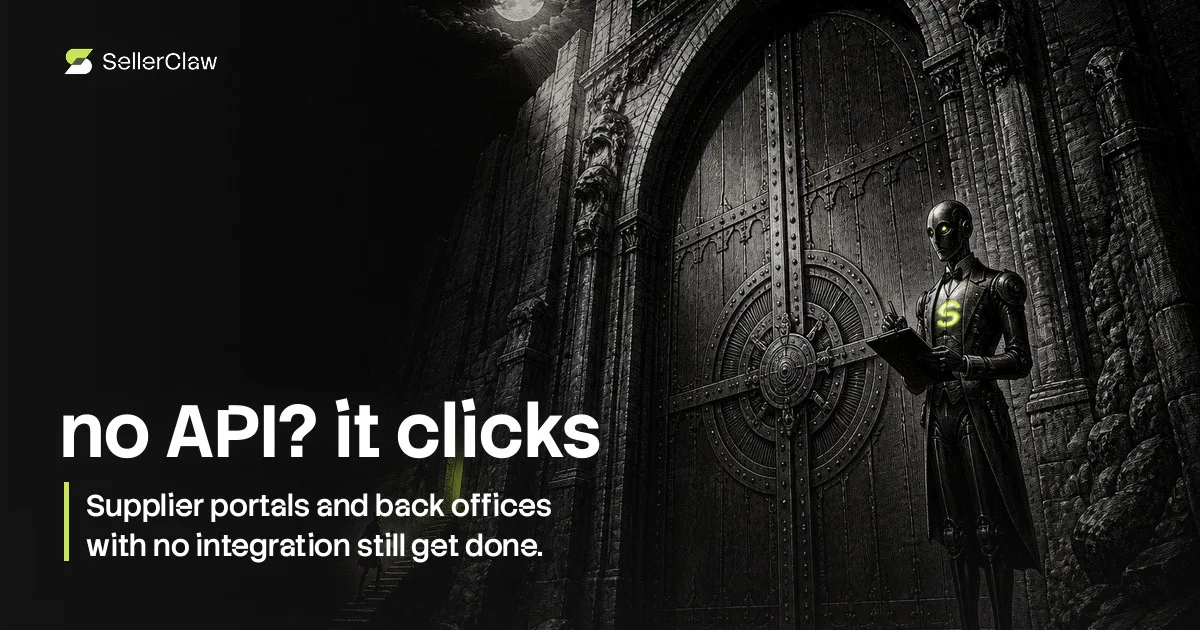
Every integration list is a list of the tools somebody built a connector for. Your business also runs on the ones nobody did: the supplier with a login-only portal, the marketplace back office, the courier's tracking page, the analytics dashboard that exports nothing.
That's usually where automation stops and a human takes over with twelve tabs.
A browser of its own
The setting states both halves: what it unlocks, and what it costs you.
SellerClaw — a team of AI agents connected to your stores, suppliers and ad accounts, run from a chat — also has an isolated browser running in a sandbox. Not your browser: it doesn't touch your machine, your sessions or your bookmarks.
With it, two things become possible. Sites with no API can be used at all. And sites whose API is narrower than their interface — admin panels, dashboards, back-office tools — can be used to their full extent instead of the slice the API exposes.
The honest cost, printed on the switch
The same setting that turns this on lists what it costs, in the product, in these words:
Slower than API — browser actions take more time and use more AI tokens. Less reliable — agents may misclick or misread pages more often than with API. May need your help — some sites require login or block bots.
That's not a disclaimer buried in a help center; it's the description next to the toggle. Clicking through a page is genuinely worse than calling an endpoint — slower, pricier in credits, easier to get wrong — and a tool that pretends otherwise is setting you up to be surprised at the worst moment.
So the rule inside the product is: use the API where one exists, use the browser where none does, and tell you which one is happening. And the switch is a real switch — one toggle for the whole team, off if you'd rather keep every action inside official integrations.
Where it earns its place
The cases are specific rather than glamorous. Pulling a price list from a supplier portal that emails you a PDF and nothing else. Reading a marketplace back-office report that the API doesn't expose. Checking a competitor's storefront the way a customer sees it. Finishing a workflow whose last step is a form.
For anything involving a login you may still be needed for a moment — a password, a code, a captcha — and it asks rather than failing silently.
What it will not do is fight: it doesn't defeat bot protection and it isn't a scraping farm. Sites that block automation stay blocked, and that boundary is part of what keeps the whole thing usable on the sites that don't.
What changes for you
The boundary of what can be delegated stops being "what has an API" and becomes "what a competent person could do in a browser". That's a much larger set, and it covers most of the tabs you have open right now.
Leave it on, and the next time you're about to do something manual in a portal, ask whether it can be done instead — trying costs nothing but free credits. The answer is more often yes than the integration list suggests.
Keep reading
Connect one store and see what your agent says about it.
Start for Free